
Domus Nordic Style – Appliance Instructions
Domus Nordic Style – Appliance Instructions
1. TV
If a channel number is visible on the TV receiver, press the red ON button.
If the time is displayed on the receiver, press CATV to start the receiver, then press TV to turn on the television.
V+ / V- – increase or decrease the volume.
CH+ / CH- – change channels.
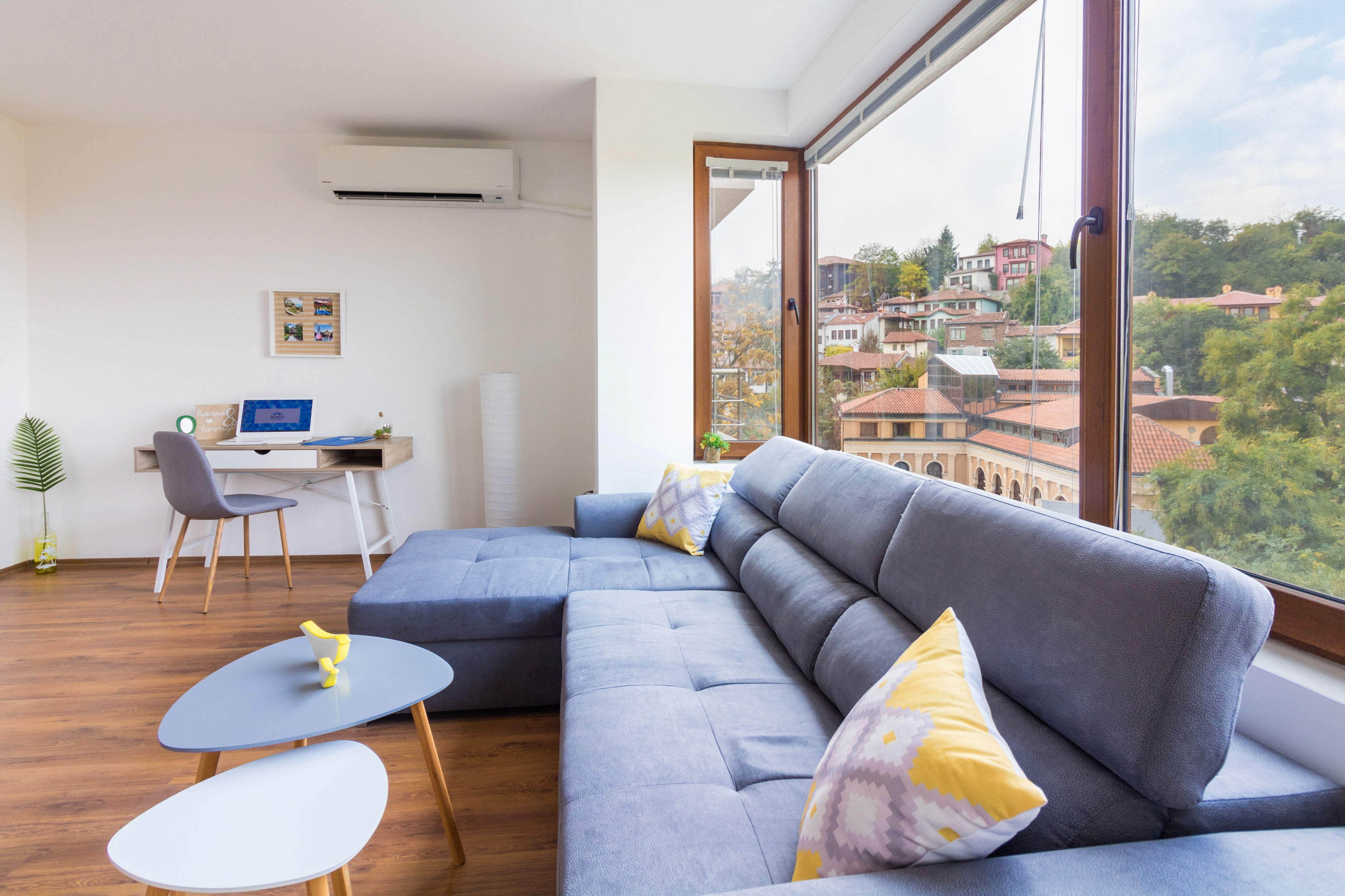
2. Air Conditioners
The air conditioner is turned on and off using the red ON/OFF button.
Use the MODE button to select a mode:
- Cool
- Heat
- Dry
- Fan
- Auto
Use the TEMP button to adjust the temperature.
Use the FAN button to adjust the airflow strength.
SWING – changes the airflow direction.
3. Washer / Dryer
Turning On
Press the button in the upper right corner of the appliance (with a circle and line icon).
Selecting a Washing Program
Turn the program selector – all washing programs are located on the left side.
The display shows information about duration, water temperature, and spin speed.
Press the Play button to start the program.
Selecting a Drying Program (after washing)
Turn the program selector to the right side, where the drying programs are located.
The display will show duration, temperature, and spin speed.
Start the drying cycle using the Play button.
Turning Off the Appliance
After use, press the same button used to turn on the appliance.